The first thing I replaced was Google Drive; I switched to Nextcloud. Initially, I wanted to use OpenMediaVault on my laptop to host a NAS and build Nextcloud on top of it, but I discovered that it’s an operating system rather than just a software. That would have required dual booting or virtualisation, which felt like a hassle. Instead, I decided to host Nextcloud in Docker. (Partly because I wanted to learn more about docker anyway).
Future
The real plan is to get a dedicated workstation to host OMV
Setting up Nextcloud in Docker (or anything in Docker) is, surprisingly, really simple.
It was simple because I followed a tutorial, but upon introspection, writing a docker compose file isn’t complex
There are two ways to set up Nextcloud in Docker:
- All-in-One
- Manual approach1

I opted for the more manual approach since I believe that I would learn more.
When I was referring to 1, I skipped the setting up reverse proxy section since I thought I would have to spend some cold-hard cash (domain name costs money). I wasn’t wrong, but I didn’t realise that Tailscale provides both DNS name and TLS certificates for FREE.
After some tinkering with NextCloud, these are the results,
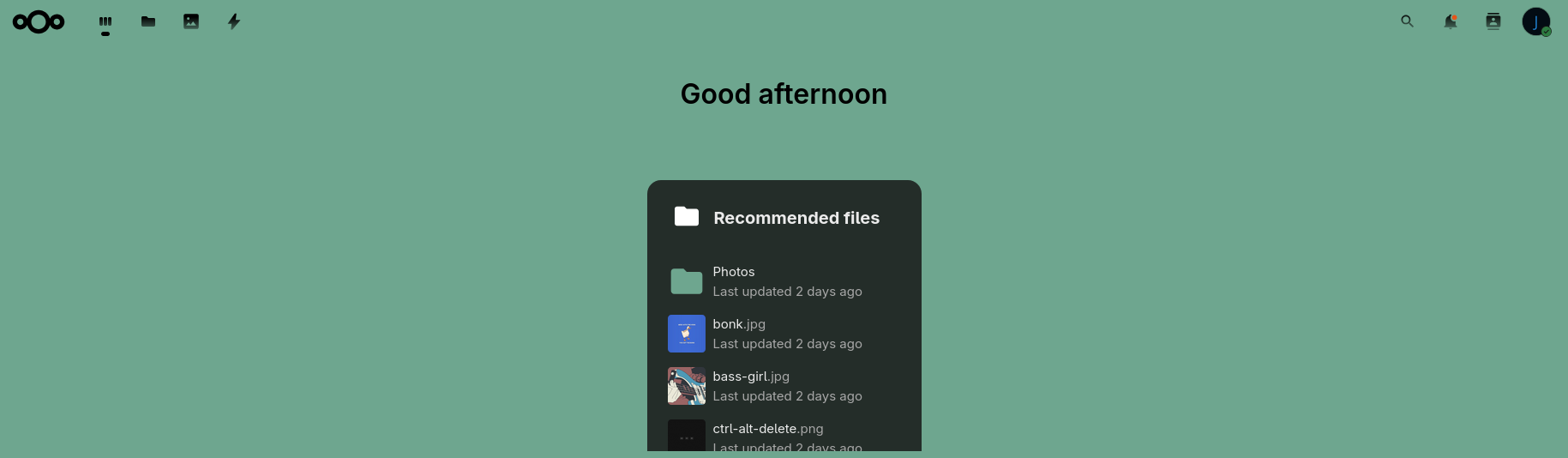

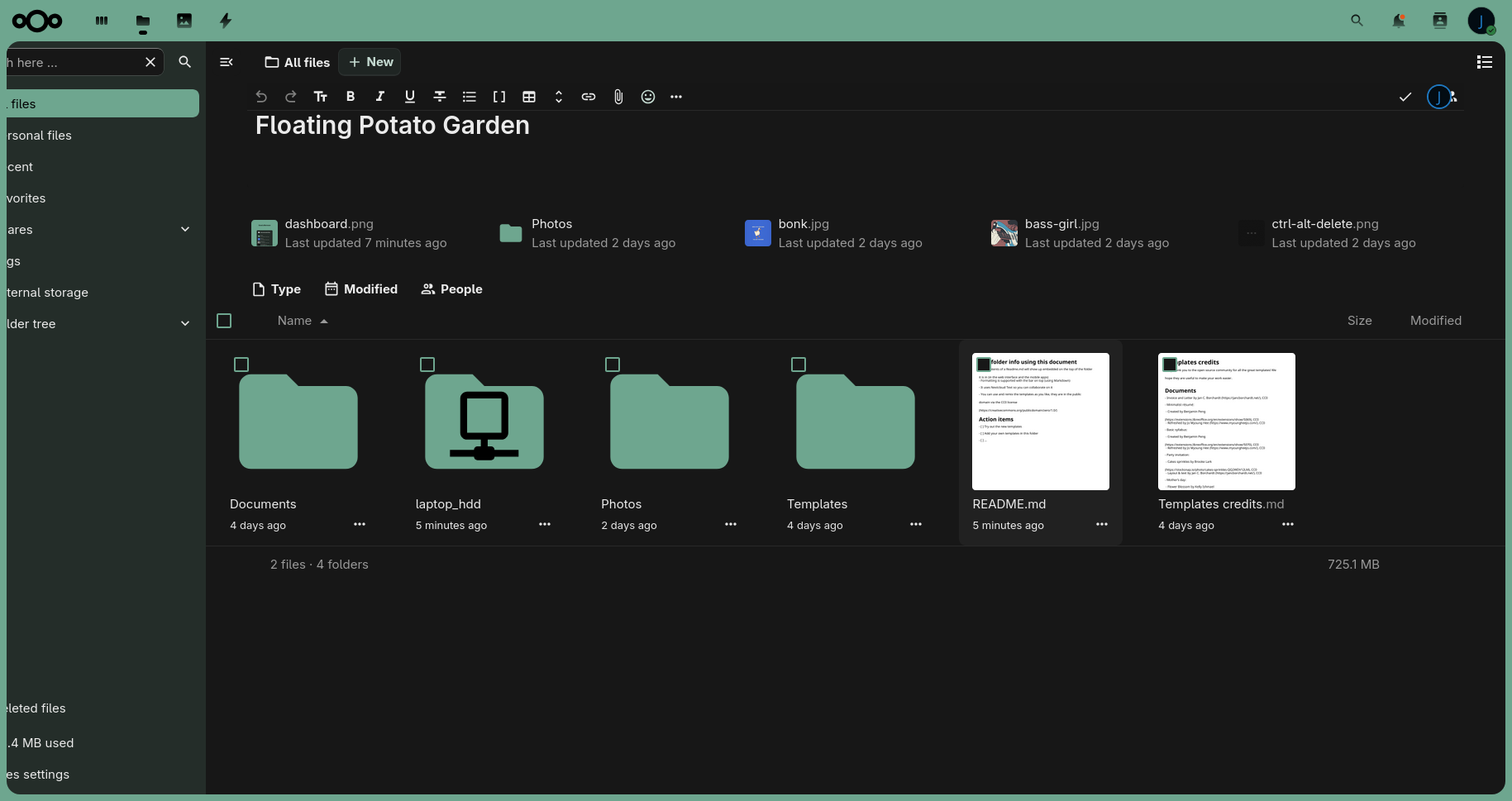
Once I got it up and running, I decided to configure Tailscale next for remote access. (No TSL or reverse proxy yet, because I’m an idiot).
There is also a mobile client,
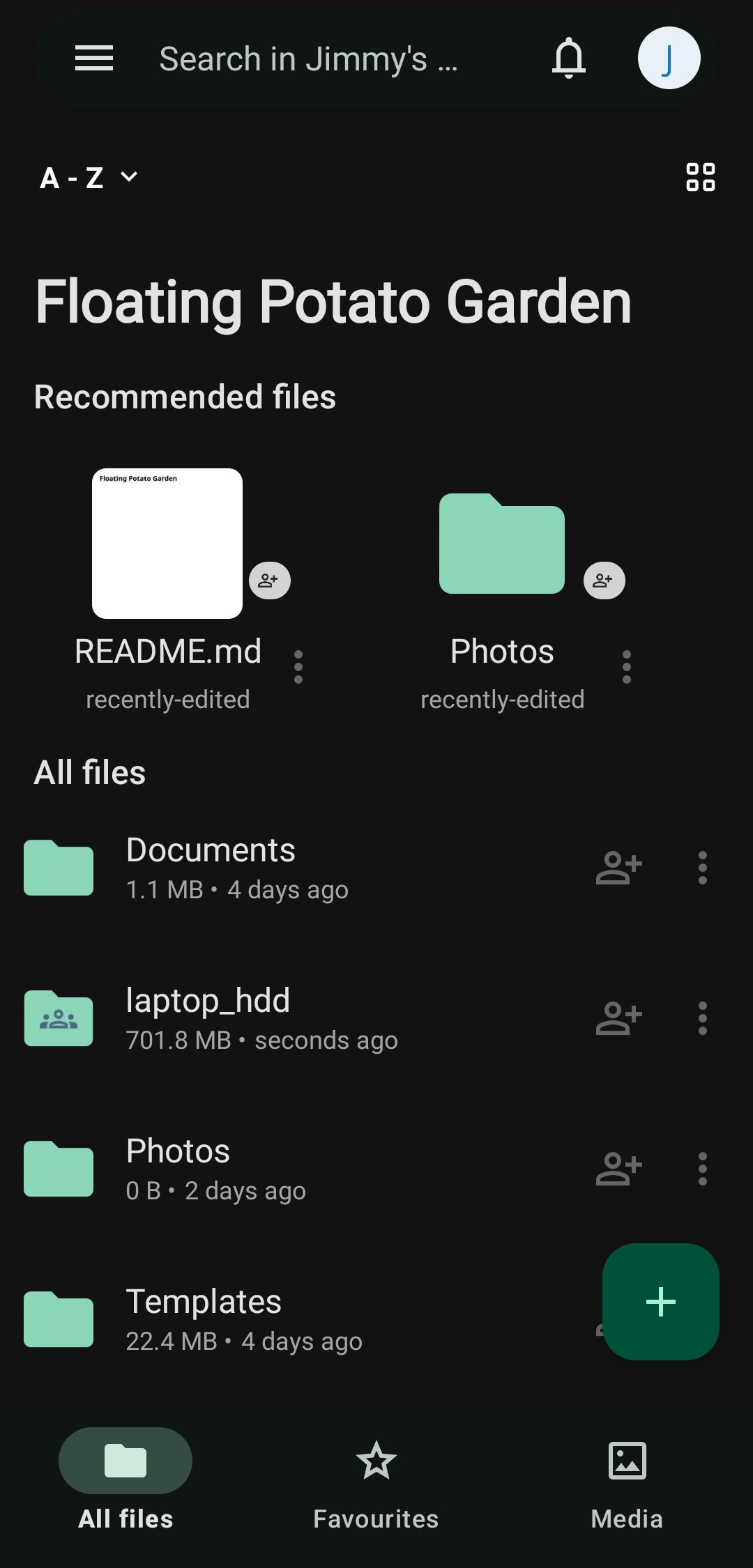
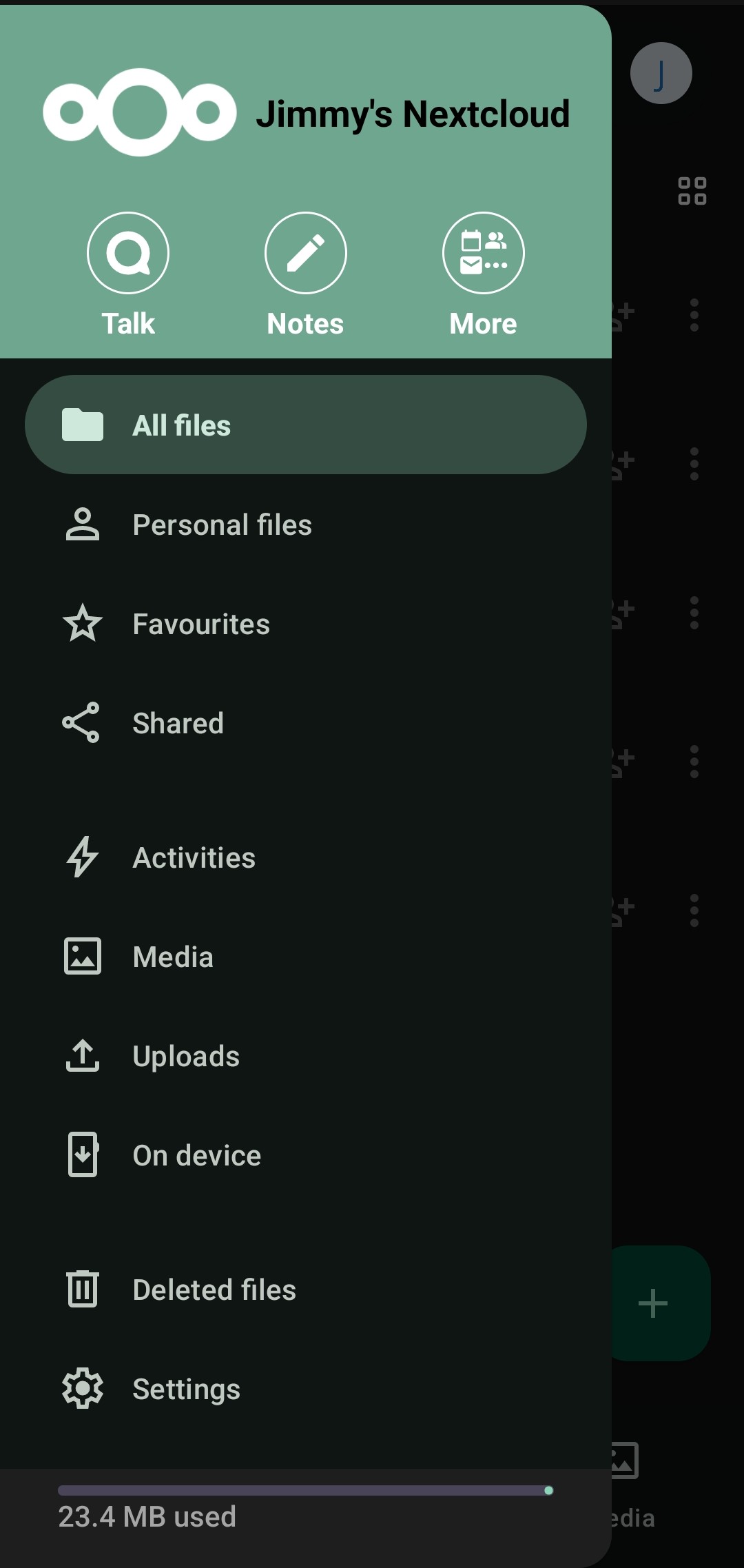
Uploading from mobile to Nextcloud is also much more user-friendly and intuitive compared to Google cloud.
19/10/2025
Once I realise I can create a much more secure connection with Tailscale, I used Nginx to create a reverse proxy. Check out this page to learn more!