What I Used
One major change I made was replacing Google Drive with Nextcloud. Initially, I wanted to use OpenMediaVault on my laptop to host a NAS and build Nextcloud on top of it, but I discovered that OpenMediaVault is an operating system rather than just software and the two serve completely different purposes. Setting OpenMediaVault up would have required dual booting or virtualisation, and since I still use the laptop as a mobile workstation, it felt like I would be placing unnecessary strain on the machine.
Instead, I opted for Docker to host Nextcloud.
Partly because I wanted to learn more about docker anyway.
Future
My long-term plan is to set up a dedicated workstation to host OMV
How I Set it Up
Setting up Nextcloud, or really any application, in Docker is, surprisingly, really simple.
There are two ways to set up Nextcloud in Docker:
Wanting to learn more about Docker and its container ecosystem, I decided that the manual approach would be a better fit.
I initially skipped the section on setting up reverse proxy in the guide I followed, because I thought it would require spending cold, hard cash, not realising that Tailscale provides both DNS name and TLS certificates completely free.
Results
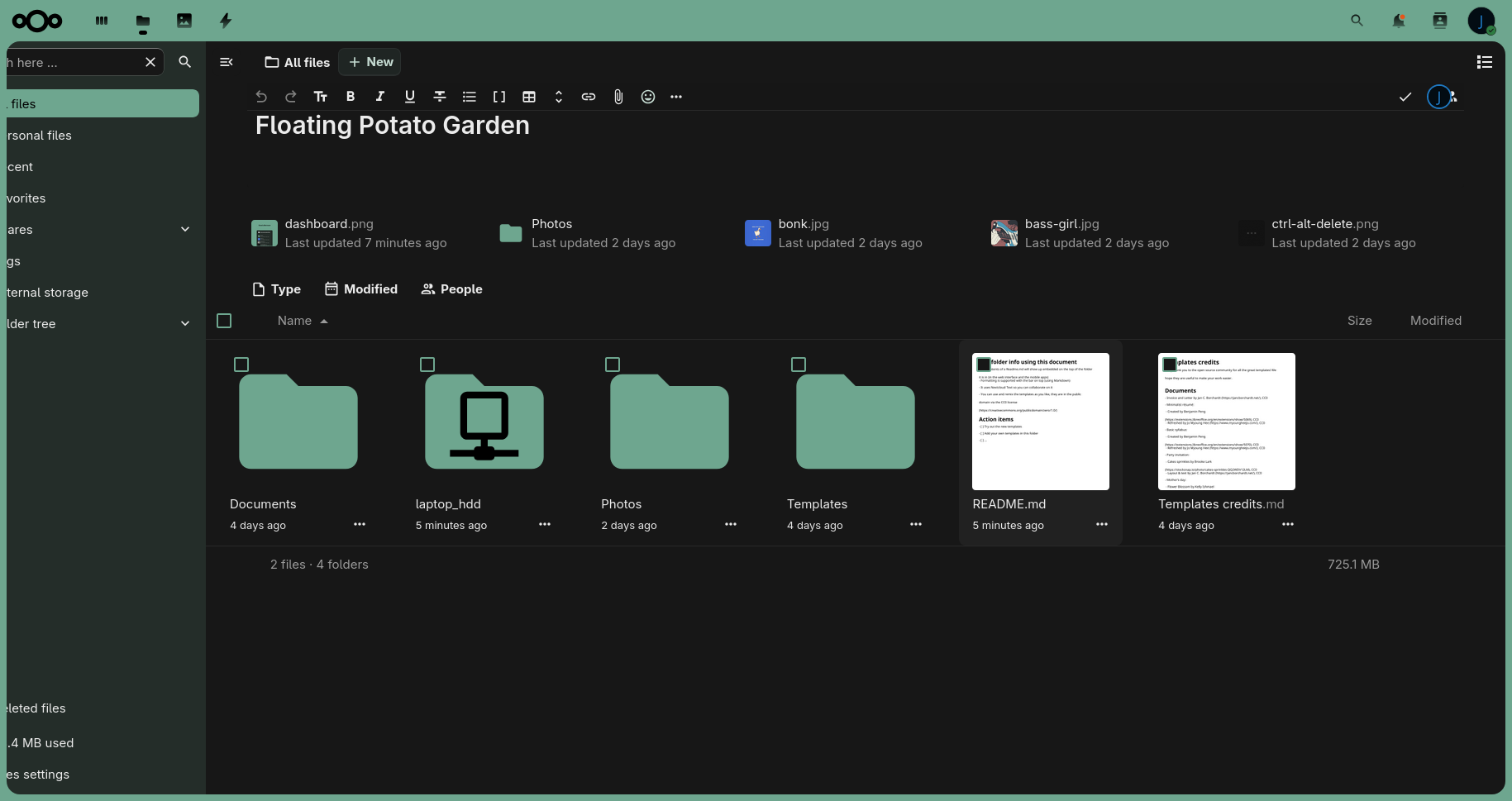
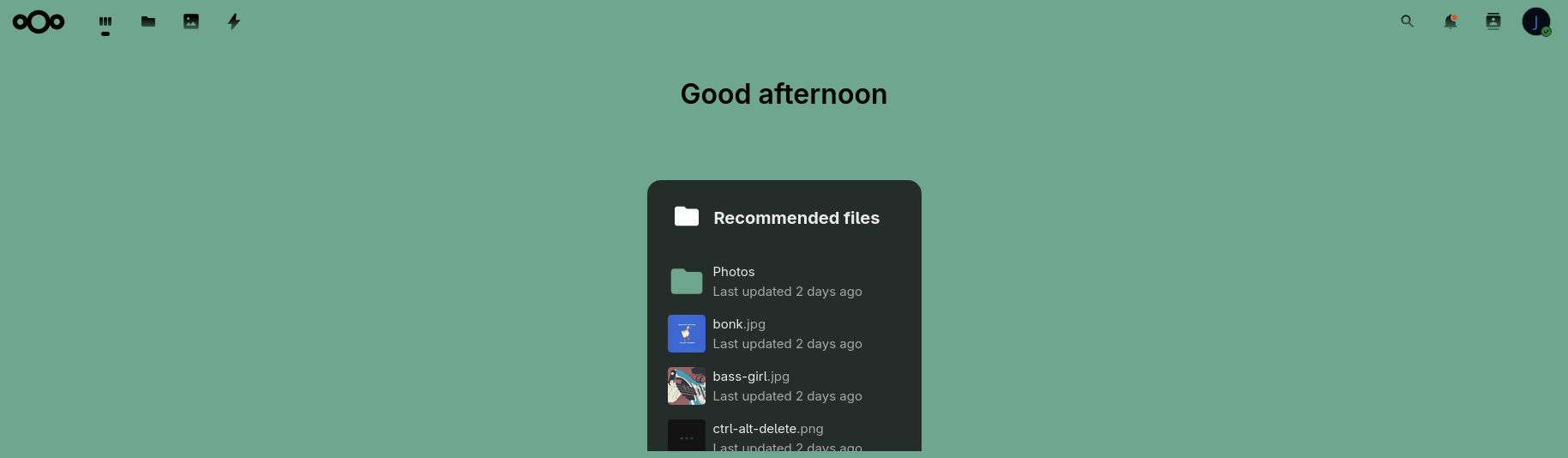
After some tinkering with Nextcloud’s settings, these are the results,
Nextcloud also offers a mobile client,
| Mobile Dashboard | Mobile Sidebar |
|---|---|
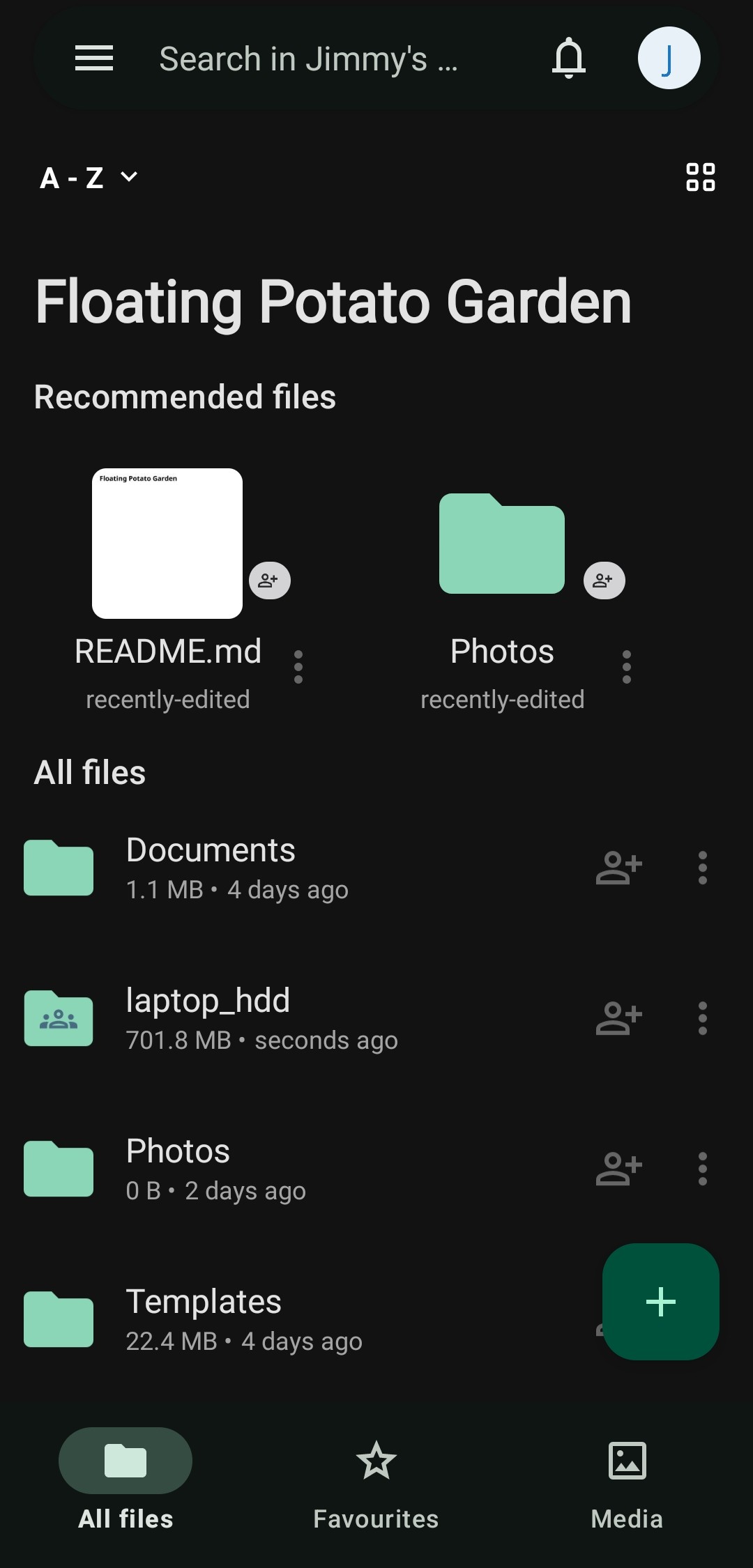 | 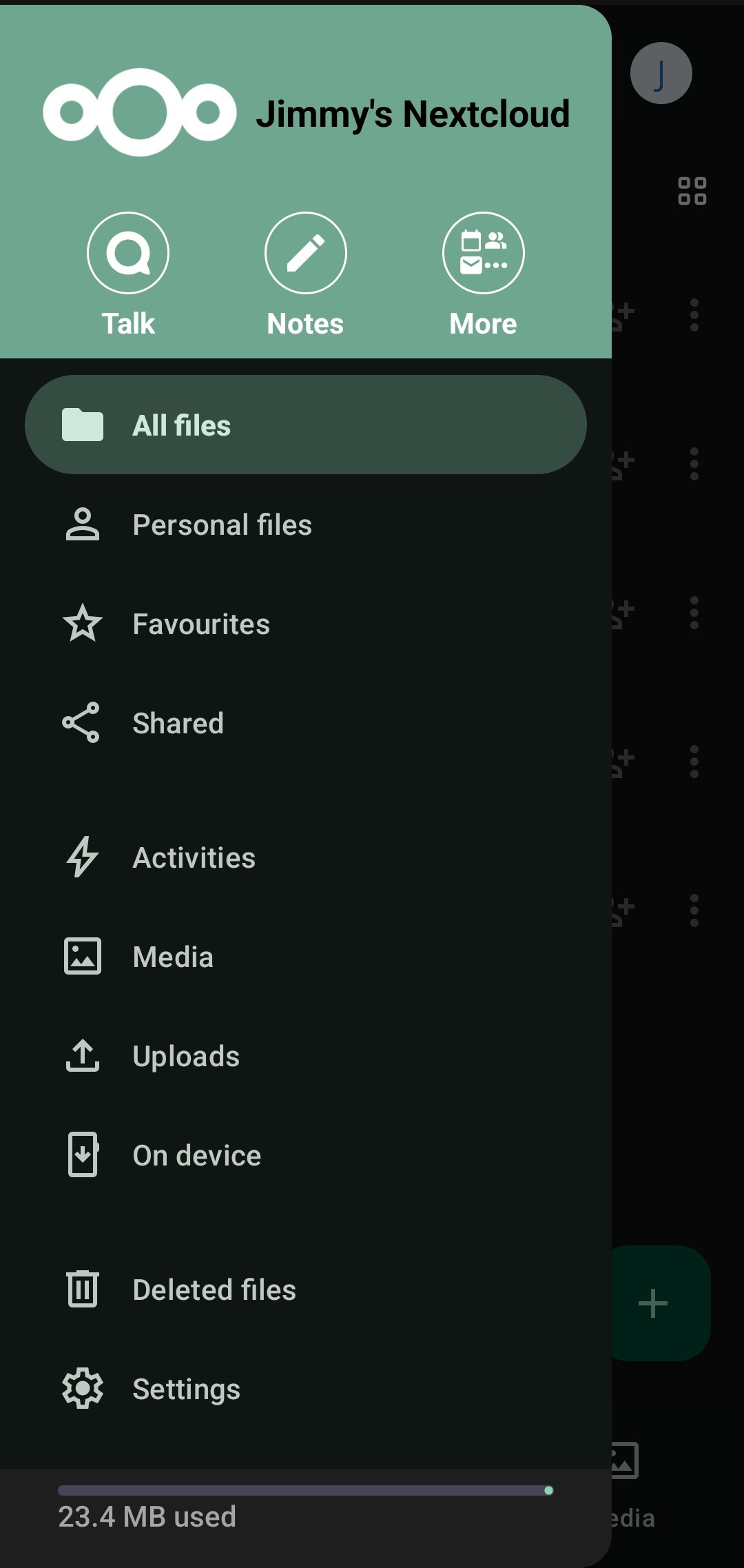 |
Personally, uploading from mobile to Nextcloud is also much more user-friendly and intuitive compared to Google Drive.
Updates
19/10/2025
I realised that implementing reverse proxy with Tailscale is completely free and far less complicated than I expected. Check it out!